·11 min read
The Most Secure Chrome History Management Extensions
# The Most Secure Chrome History Management Extensions Your browsing history is a liability. That's the sentence I keep coming back to after six mon...
AI browser history search tips for Chrome, privacy-first workflows, and TraceMind updates.
# The Most Secure Chrome History Management Extensions Your browsing history is a liability. That's the sentence I keep coming back to after six mon...
# Is Semantic Search Possible Without Wi-Fi? Can you run real vector similarity search, the kind that understands meaning, entirely offline in a brow...
# How to Search All Pages of a Website You Visited Most researchers treat their browser like a filing cabinet. That's a fundamental mistake. Here's ...
# Heyday Alternative: Why I Built a Local-First Web Assistant Here's something most people in the productivity tool space won't say plainly: any tool...
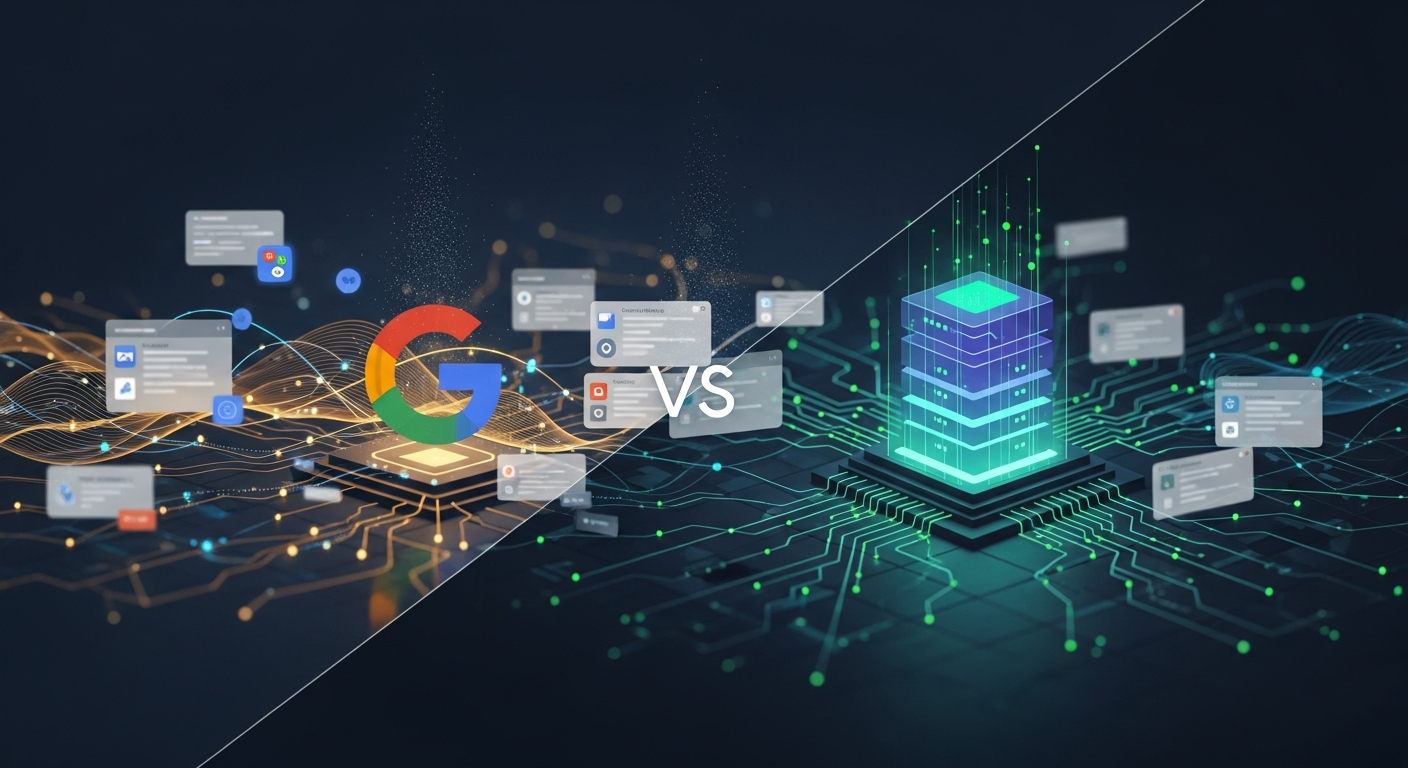
# Google Semantic Search Engine vs. Local AI Indexing Google understands what you mean, not just what you type. That's the claim, anyway. And honest...
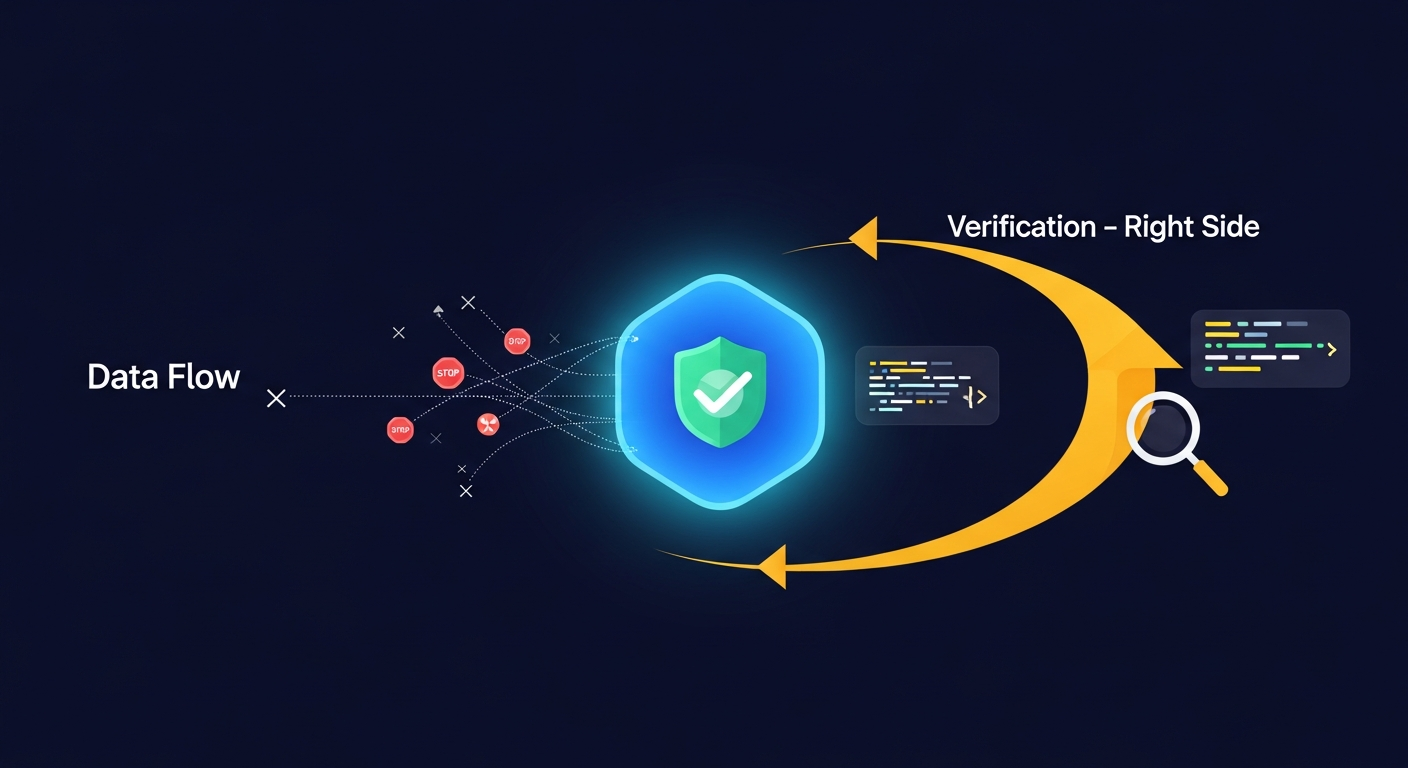
# What is Zero Telemetry? Verifying Extension Privacy Your browser extensions are talking behind your back. That's not paranoia. It's just what happ...
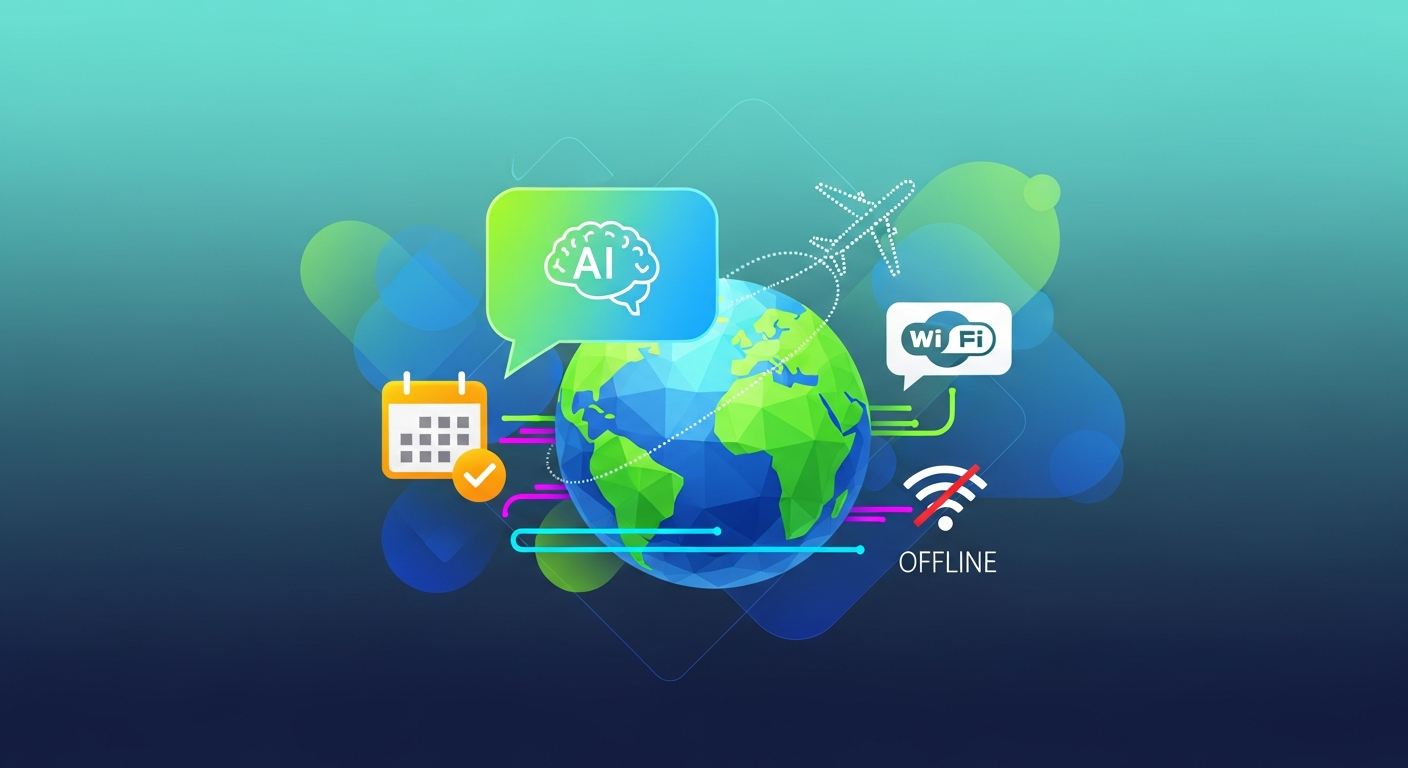
# The Best Offline AI Tools for Travel in 2026 Your hotel Wi-Fi just died. That's it. That's the moment when every cloud-based travel tool you rely ...
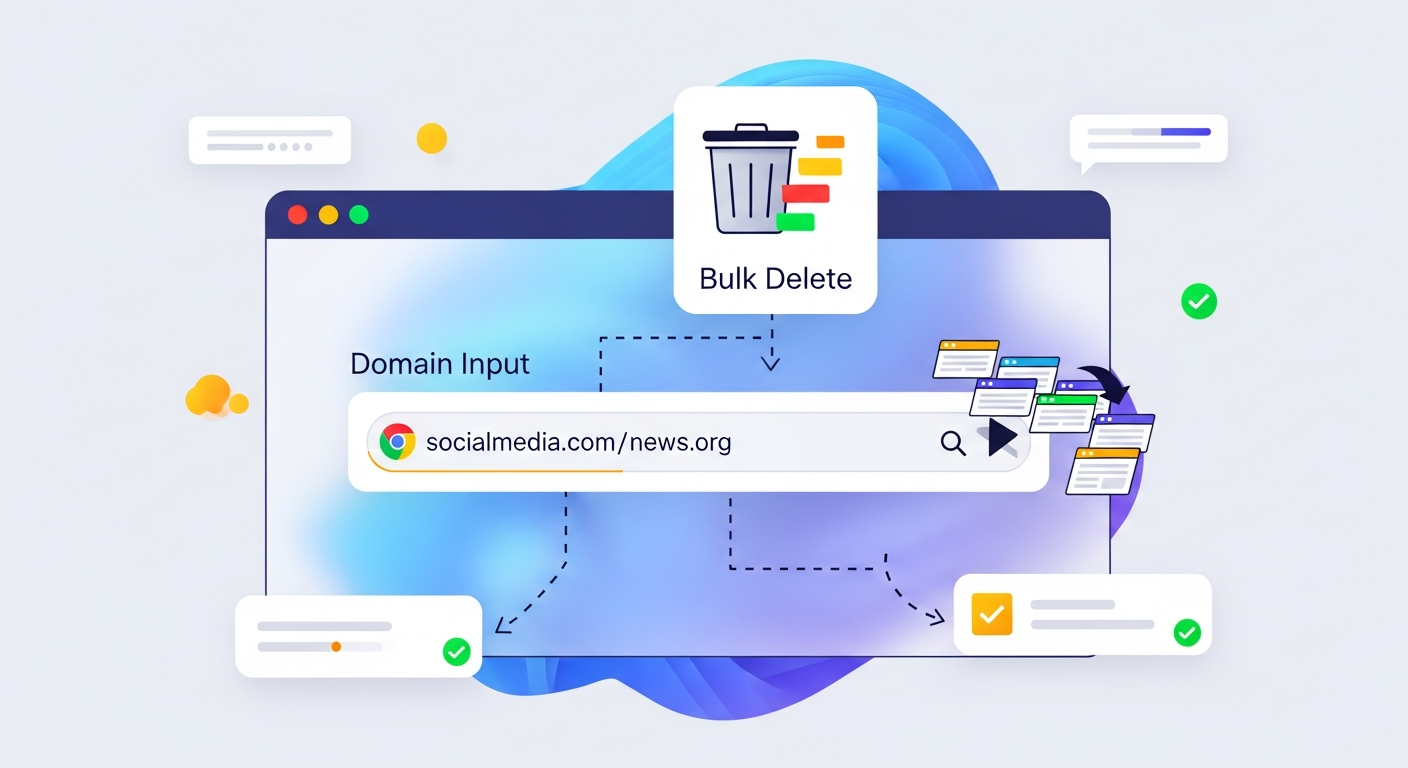
# How to Bulk Delete Chrome History by Specific Domains Here's a claim that'll get me in trouble: Chrome's history management is deliberately bad. No...
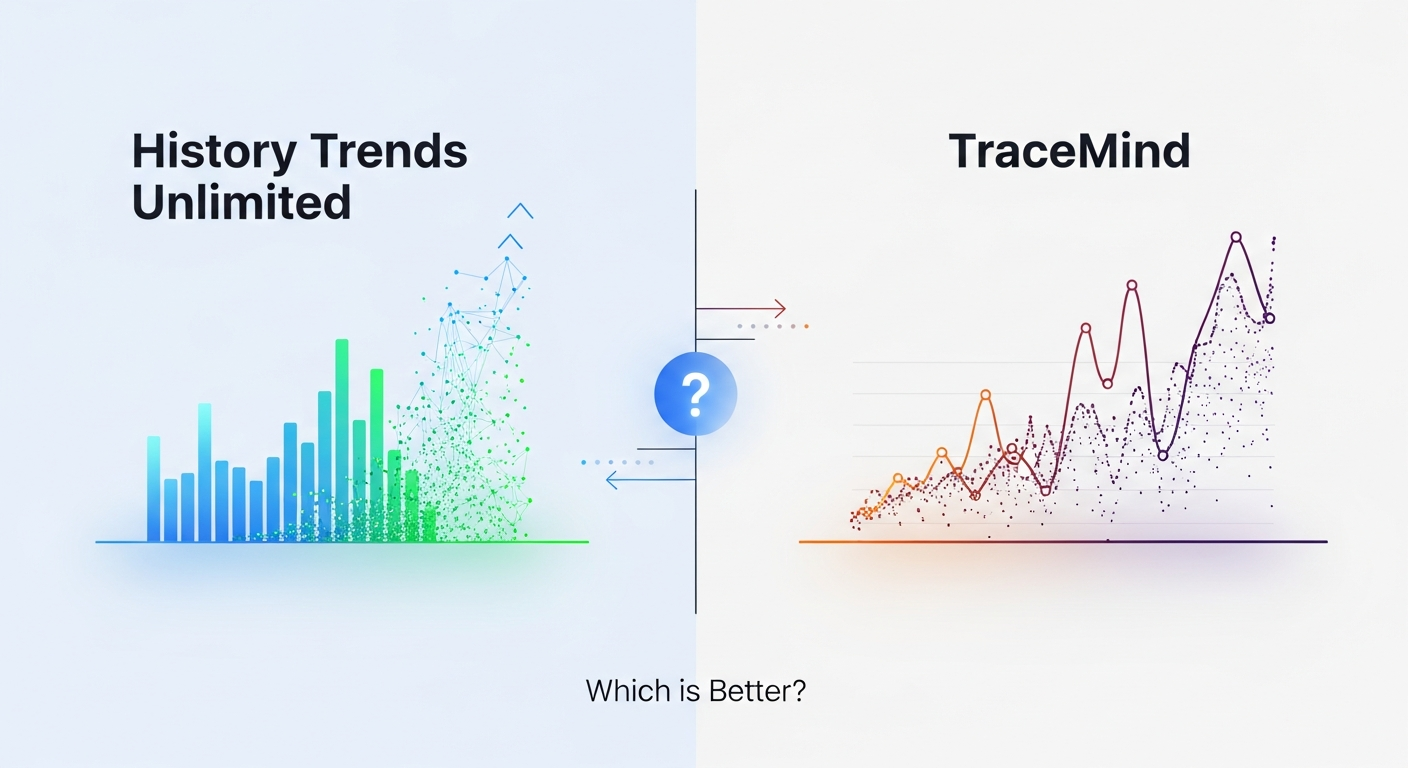
# History Trends Unlimited vs. TraceMind: Which is Better? Most people who install History Trends Unlimited are already frustrated. That's not a dig ...
## What is Semantic Search Wasting time. That's what I was doing last week, trying to find a specific article I had read a month ago. I knew it was a...

What's that sound? That's a Chrome extension requesting permission to "Read and Change All Data" on a website. This phrase can send shivers down the ...

Can AI Organization Tools Work Offline on Flights ==================================================== I was on a flight last week, 30,000 feet in th...
How to Search Your Chrome History by a Specific Date Range =========================================================== Honesty time: I've lost count ...

The Post-Cloud Era of Productivity Software ============================================= Trend is shifting. Local-first architecture is gaining tra...

TraceMind vs. Browser History Plus: A 2026 Comparison ===================================================== Take control. That's what I needed las...

The Unbreakable Rule of Data Sovereignty ===================================== Take control. That's the only way to ensure your personal search inde...

How Vector Search Changes Information Retrieval ===================================================== I've been using TraceMind for six months now, a...
Advanced Search Operators You Wish Chrome Had ===================================================== A few days ago, I was trying to find a specific a...

Fabric Internet OS vs Local Web Indexers ===================================== I'm skeptical of cloud-based "Internet OS" solutions. They promise to...
Why Chrome Sync is a Privacy Liability ===================================== Worrying about browsing history gone for no reason is a familiar feeling...

## Client-Side RAG: The Future of Browser Architecture Last week, I spent hours trying to optimize my browser's performance, and that got me thinking:...

## The Search for a Better Search Three tabs deep into a rabbit hole about the best ways to organize my browser history, I stumbled upon a realization...

De-Googling Your Productivity Workflow in 2026 ============================================== I think I've finally had enough of Google's invasive 'M...
Academic researchers lose hours each week hunting for papers they already read. Here is how local semantic indexing with TraceMind solves the problem permanently, without uploading a single document to the cloud.

K-d trees are what make sub-100ms vector search possible in a browser extension. This post explains how they work, why they matter for semantic history search, and how TraceMind uses Voy's WASM k-d tree to search tens of thousands of embeddings almost instantly.
Microsoft Recall captures your screen every few seconds and uses OCR to search it. Here's what that actually means for your privacy, how it compares to TraceMind's browser-sandboxed approach, and why the difference matters more than most people realize.

Most second-brain systems demand constant manual upkeep. This post explores how passive, ambient indexing in the browser can replace the bookmark-and-tag treadmill — and why your browser history is already a second brain waiting to be searched.

BM25 ranks documents by term frequency, which breaks the moment your words don't match the document's words. Here's why dense vector embeddings handle intent queries better, and how TraceMind uses both.
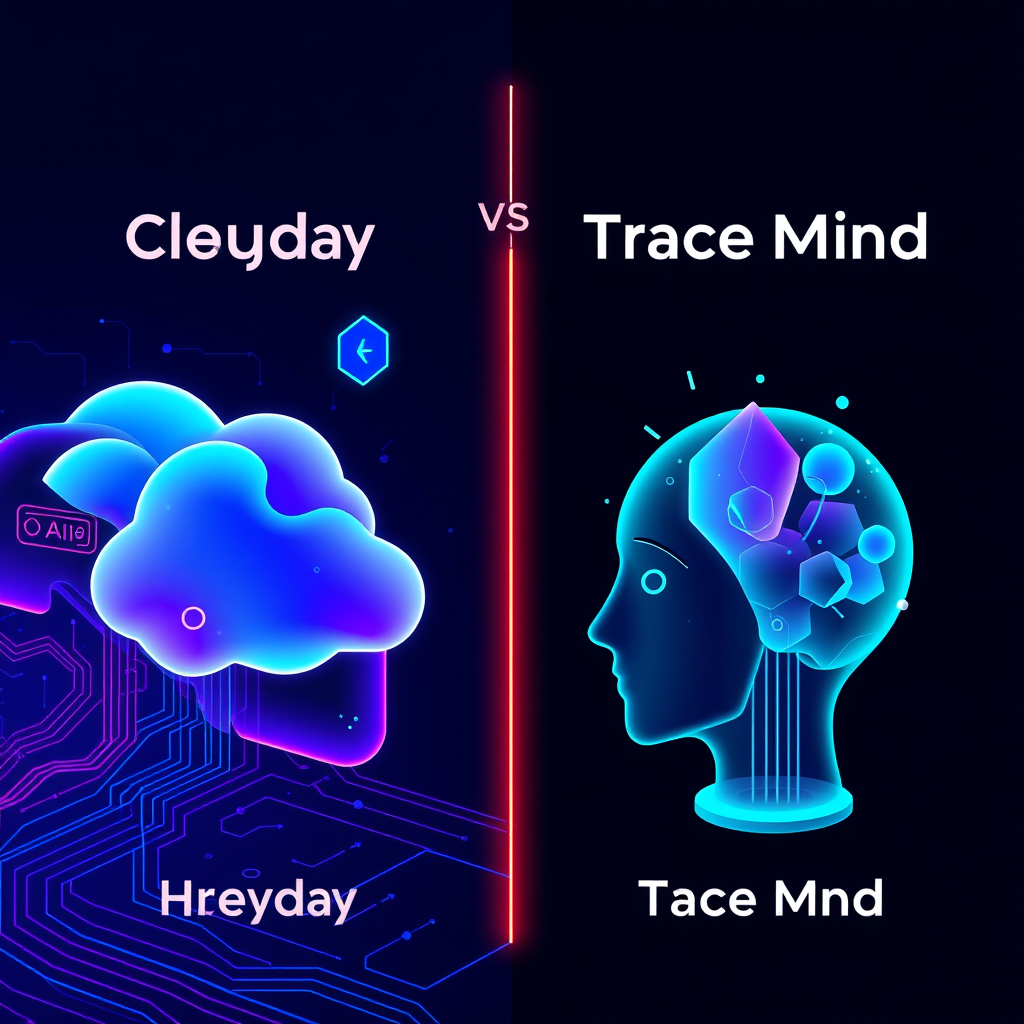
Heyday and TraceMind both aim to give you ambient access to your browsing history, but they make opposite architectural choices. Here is what that means for privacy, offline use, and who each tool actually suits.

Developers accumulate hundreds of Stack Overflow visits. Here's how semantic search with TraceMind lets you find past answers by concept, not by memorizing exact error codes or titles.

Most browser history tools fail completely when you go offline. Here is how TraceMind keeps your full indexed history searchable at 35,000 feet, with no internet required.

How ambient indexing and semantic search can replace the fragmented, manual process of tracking sources during academic literature reviews — with real workflow examples from six months of daily use.

Zero-telemetry means no usage data, no crash reports, and no behavioral tracking sent to any server. Here is what that looks like architecturally, how to verify it yourself, and why it matters for history extensions specifically.

Transformers.js brings HuggingFace models into the browser via WebAssembly and WebGPU. After six months of running all-MiniLM-L6-v2 inside a Chrome extension for semantic search, here's what actually happens to performance, memory, and battery life.

Manual bookmarking asks you to predict what you will need later — and that prediction almost always fails. Passive semantic indexing captures everything automatically and lets you find it by meaning, not by folder.
A first-person look at where local browser AI actually stands in Q1 2026: what WASM and WebGPU have made possible, what's still awkward, and what six months of daily TraceMind use has taught me about building offline-first AI tools.

The Personal Internet OS treats your browser history as a queryable knowledge base, not a scroll of forgotten URLs. Here is how to build one using tools that actually work together.

A practical guide to building a browser setup where your data stays on your machine. Covers browser choice, ad blocking, local AI history search, and local LLMs, with honest trade-offs for each layer of the stack.

A direct comparison of Browser History Plus and TraceMind's semantic AI search: what each tool actually does, where keyword-based history search breaks down, and why local vector embeddings change what you can find.
Chrome's built-in history search fails developers who dig through API docs, Stack Overflow threads, and GitHub issues all day. Here's how semantic history search changes that workflow, and why it matters for anyone who lives in their browser.

These five AI tools cover the full research workflow: managing sources, visualizing literature, collaborating with colleagues, tracking your reading, and retrieving pages you consulted weeks ago.
A practical comparison of Memex and TraceMind for researchers: manual bookmarking and annotation versus passive ambient indexing, with honest assessments of where each approach wins and where it breaks down.
Rewind AI records your screen to help you find things later, but it's heavy, Mac-only, and sends data to servers. Here are seven alternatives that solve the same problem with less overhead, including options for Windows users.

Cloud APIs are the obvious choice for browser extensions, but sending your browsing history to external servers creates real privacy and security risks. Here is why we built TraceMind to run entirely in-browser.

RAG (Retrieval-Augmented Generation) in the browser means your AI answers are grounded in pages you actually read — not fabricated from training data. Here is how TraceMind implements it entirely on-device.

Cloud-based browser extensions routinely exfiltrate browsing data, sell it to data brokers, and expose users to breaches they never consented to. Here is what actually happens and what a local-first alternative looks like.

Searching thousands of 384-dimensional vectors in milliseconds inside a browser requires smarter data structures than linear scan. Here is how Voy, k-d trees, and approximate nearest-neighbor search make it possible.

Agentic browsing means AI agents that autonomously navigate the web on your behalf. That's very different from tools that passively index what you visit. Here's what the distinction means, why it matters for knowledge workers, and where the two approaches actually overlap.

# Introduction to Building Local-First AI The concept of local-first AI has been gaining traction in recent years, and for good reason. By using on-de...

## Introduction to Vector Search Databases Vector search databases have changed the way we approach information retrieval, enabling us to search for s...

### Introduction to Semantic Search vs. Keyword Search The way we search for information online has changed significantly over the years. Traditional ...

## Introduction to Local-First Architecture Local-First Architecture is a novel approach to software design that prioritizes data privacy by keeping s...

## Introduction to the Paradigm Shift The way we interact with the internet has undergone a significant transformation over the years. We have transit...

### Introduction to Searching Text Inside Browser History The internet is now an essential part of daily life, with people spending hours each day bro...

A practical guide to the best privacy Chrome extensions in 2026 — what each one actually does, which threats it addresses, and how to combine them for a browser setup that doesn't leak your data.
### Introduction to the Problem The frustration of losing browsing history is a common issue many Chrome users face. This problem is often attributed ...

### Introduction to Full-Text Search vs. Title Search in Browser History The way we interact with our browser history is fundamentally flawed. When we...
## Introduction to Searching Chrome History Searching through Chrome history can be a daunting task, especially when trying to find a specific webpage...

### Introduction to the Frustration of Lost Websites The internet is a huge part of our daily lives, with countless websites offering a wealth of info...
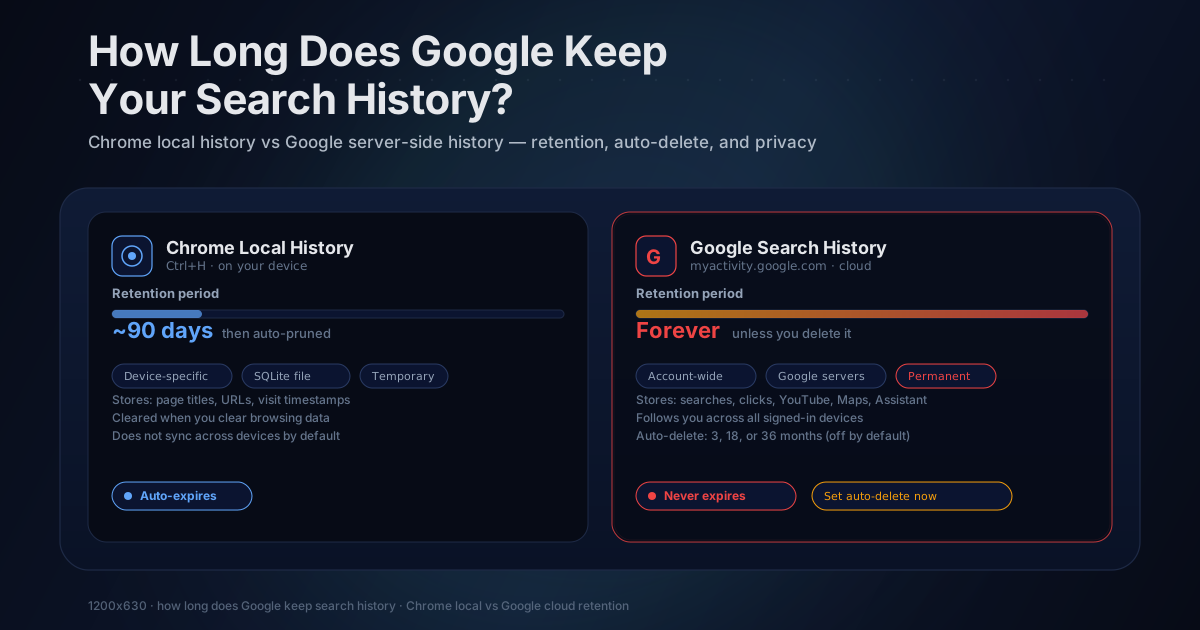
Google keeps your search history indefinitely unless you change it. Learn exactly where it's stored, how to check what Google has on you, how auto-delete works, and what a local-first alternative looks like.
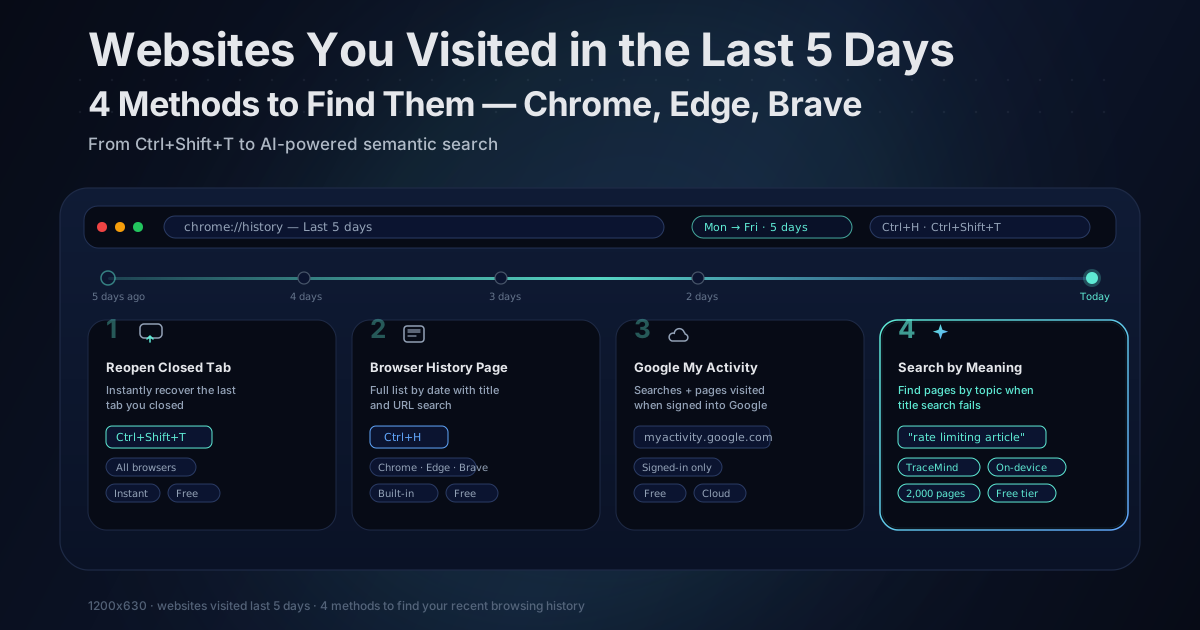
Need to find a website you visited recently? Here are 4 quick methods to see your last 5 days of browsing history in Chrome, Edge, and Brave, plus how to search by content when titles fail.
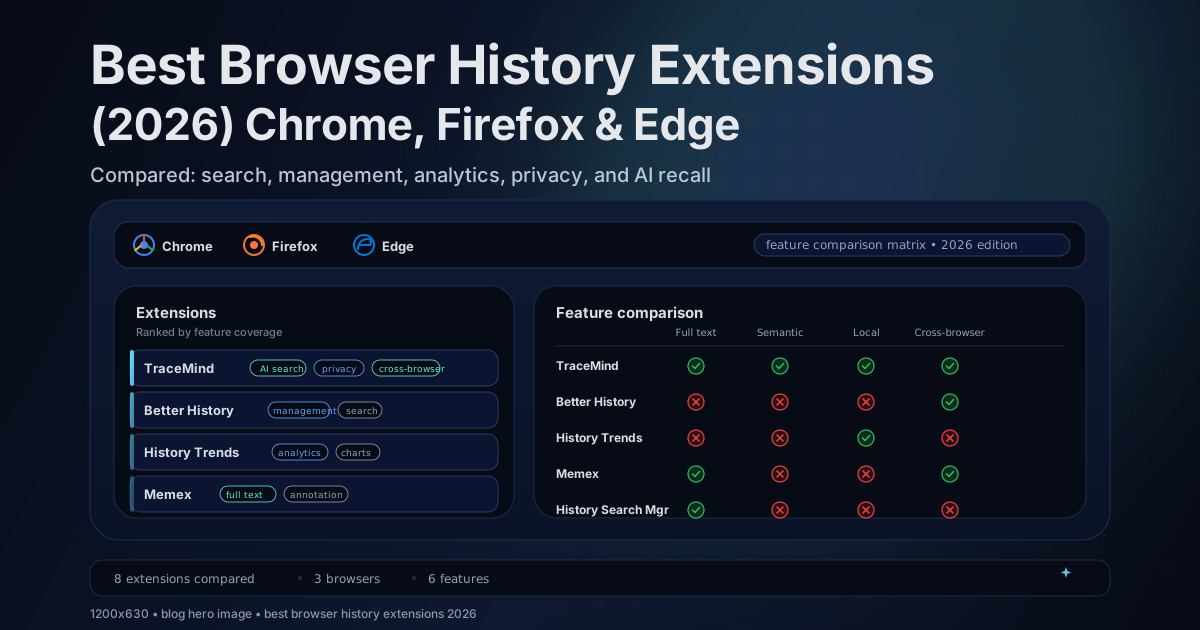
In-depth comparison of BetterHistory, Browser History Plus, History Trends Unlimited, History Search Manager, and TraceMind across Chrome, Firefox, and Edge — features, privacy, and limitations.
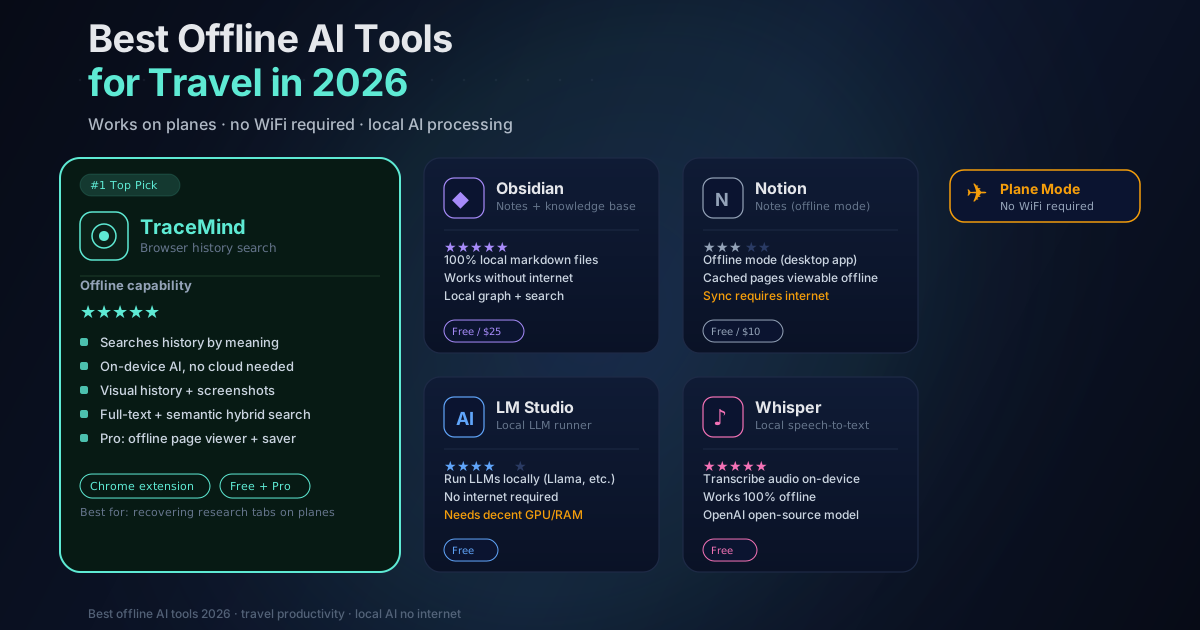
Yes these 5 AI tools work fully offline on planes, no WiFi needed. Semantic browser search, note-taking, and AI reasoning at 30,000 feet. Tested for 2026.
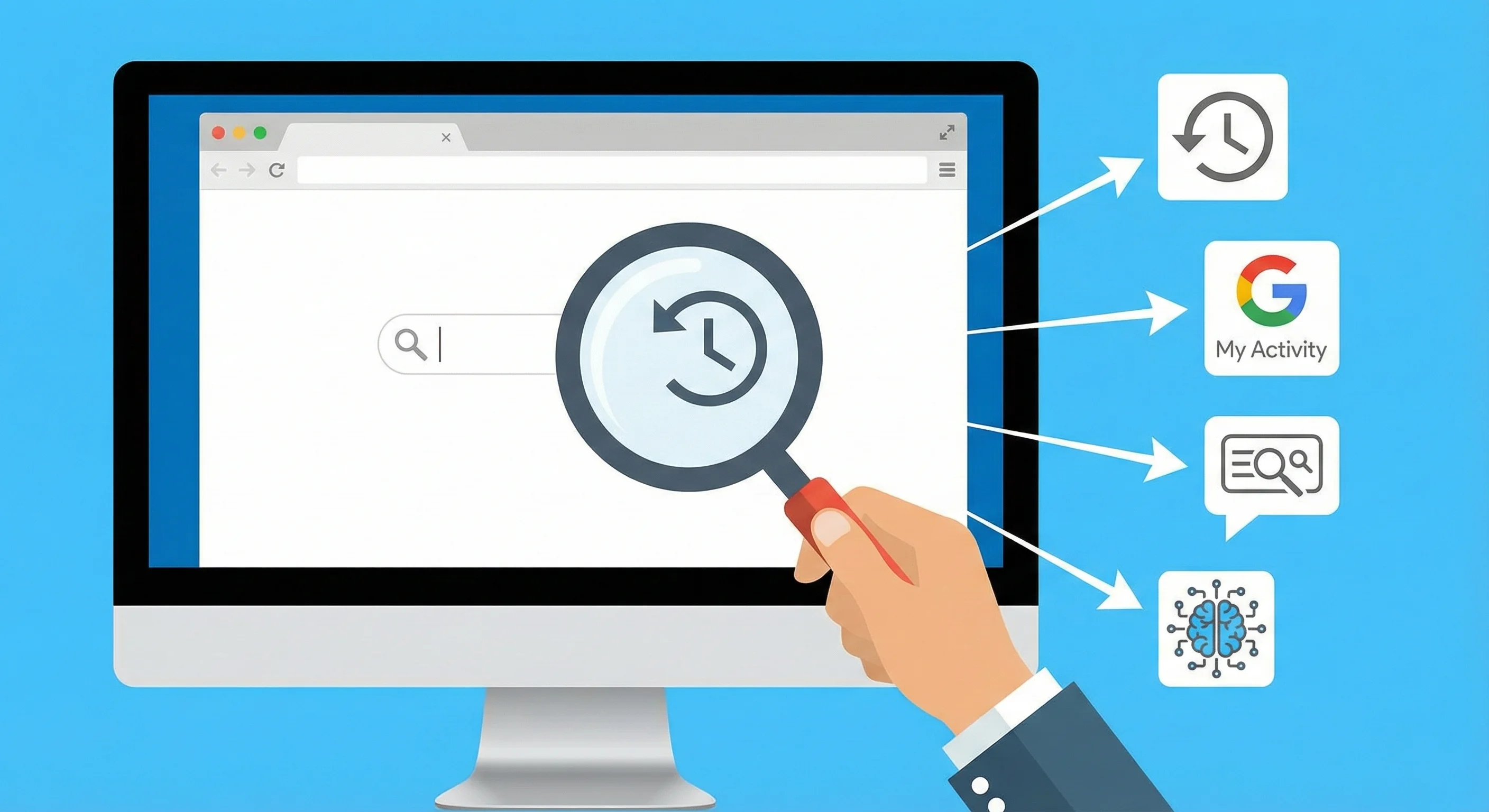
Can't remember a website's name? Learn 5 proven methods to find lost websites using browser history, Google My Activity, search tricks, and AI-powered tools.
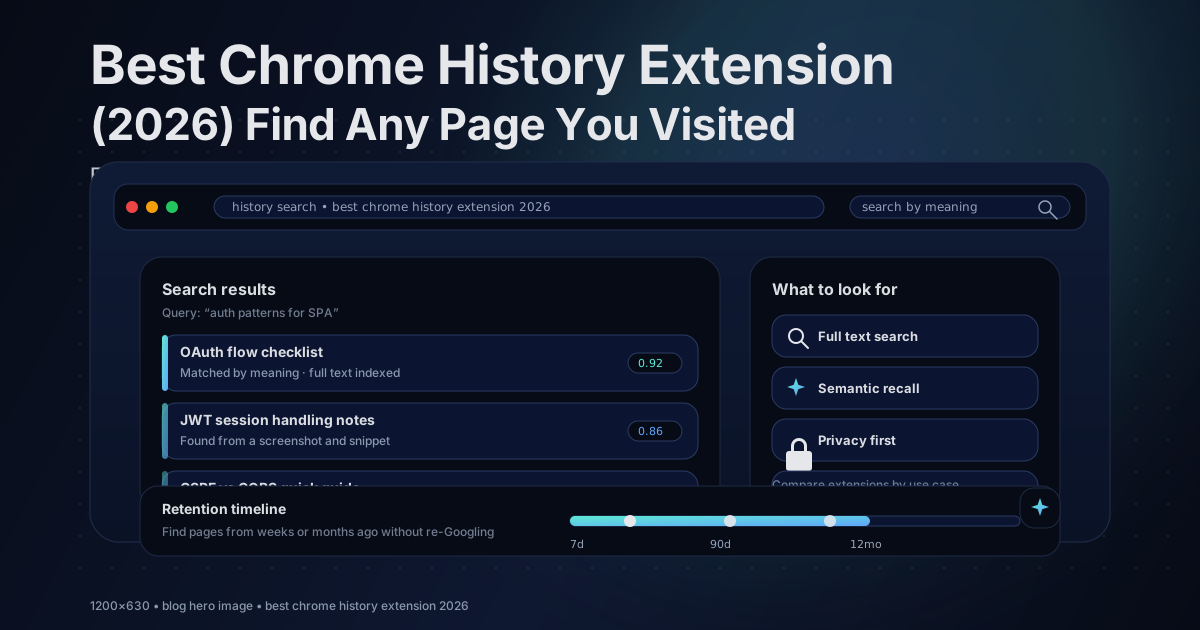
Compared the top Chrome history extensions — BetterHistory, Browser History Plus, TraceMind on search quality, privacy, and AI recall. Find the one that actually helps you find pages.
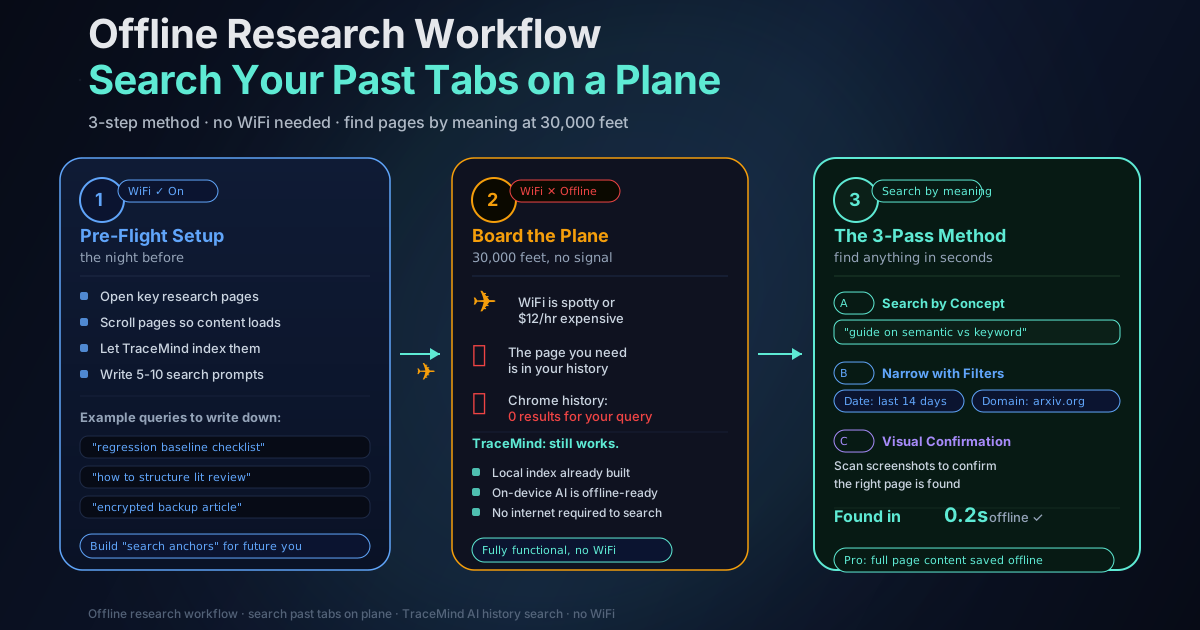
A practical offline research workflow for finding past tabs on a plane. Use TraceMind's on-device AI history search to retrieve pages by meaning, with no internet required.
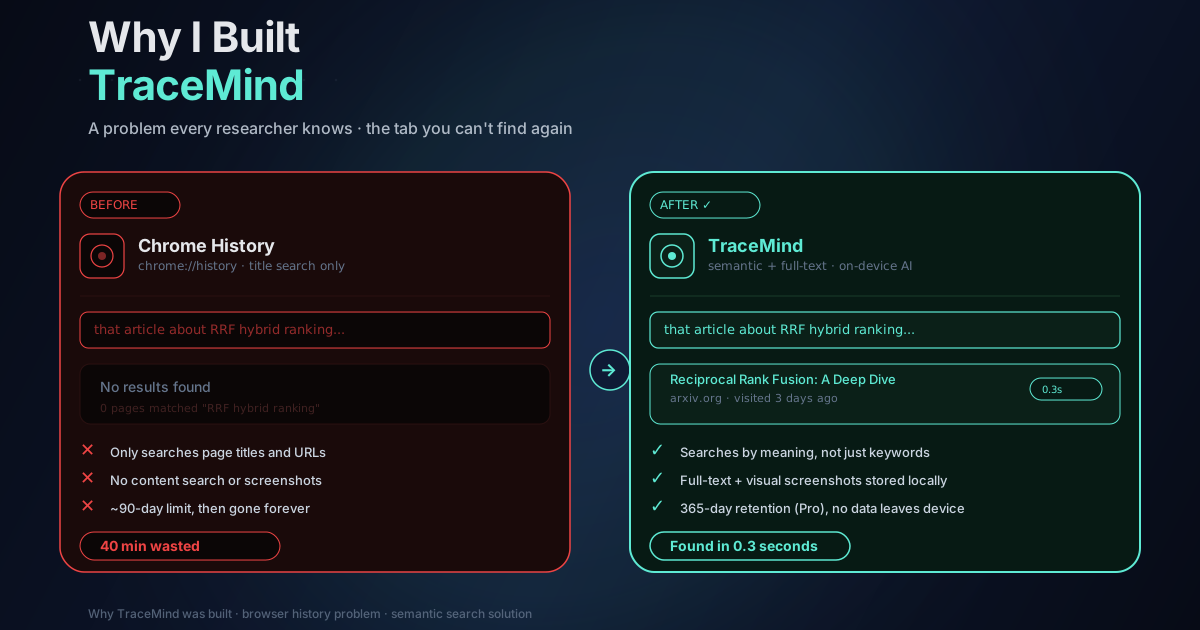
A founder story about losing the perfect page, wasting 40 minutes in Chrome History, and building a local-first way to search your browsing history by meaning. No cloud, no account, no data sharing.
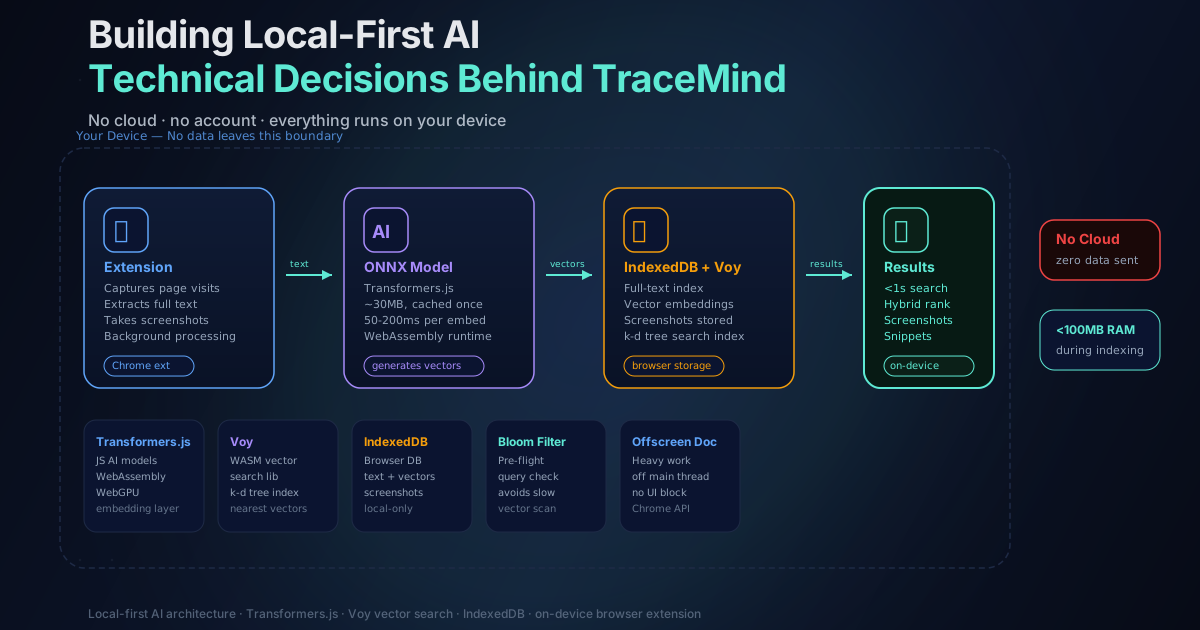
How I built an AI-powered search engine that runs entirely in your browser, and why I chose local processing over cloud APIs.
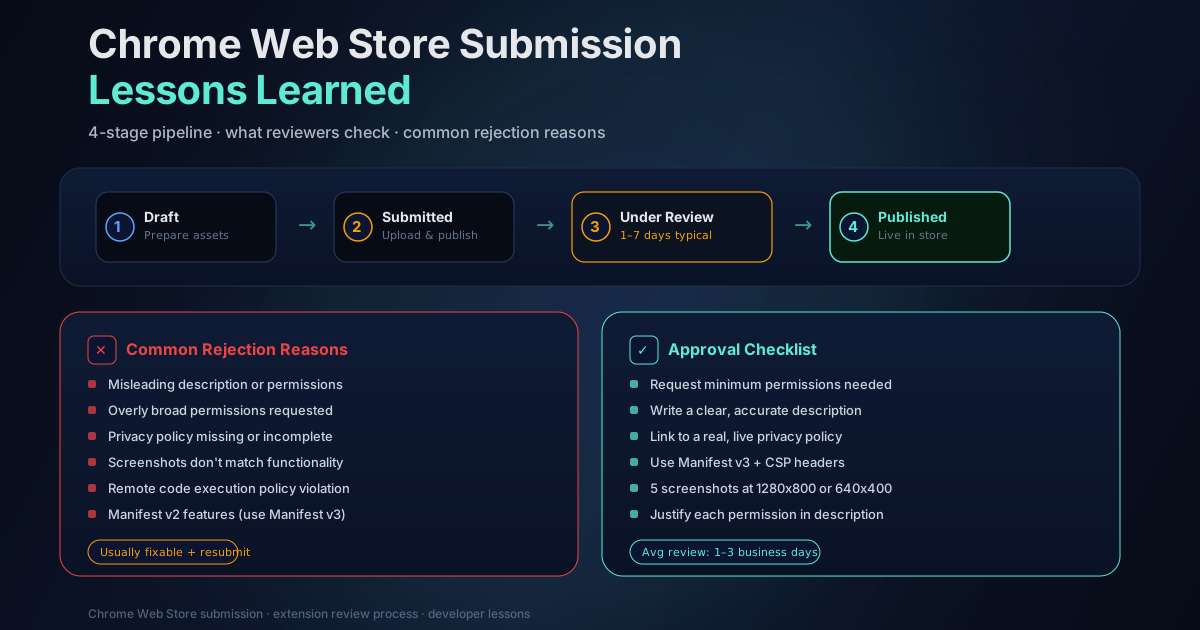
A first-hand account of getting a browser history extension approved on the Chrome Web Store: permission justifications, rejection reasons, onboarding fixes, and what I'd do differently.
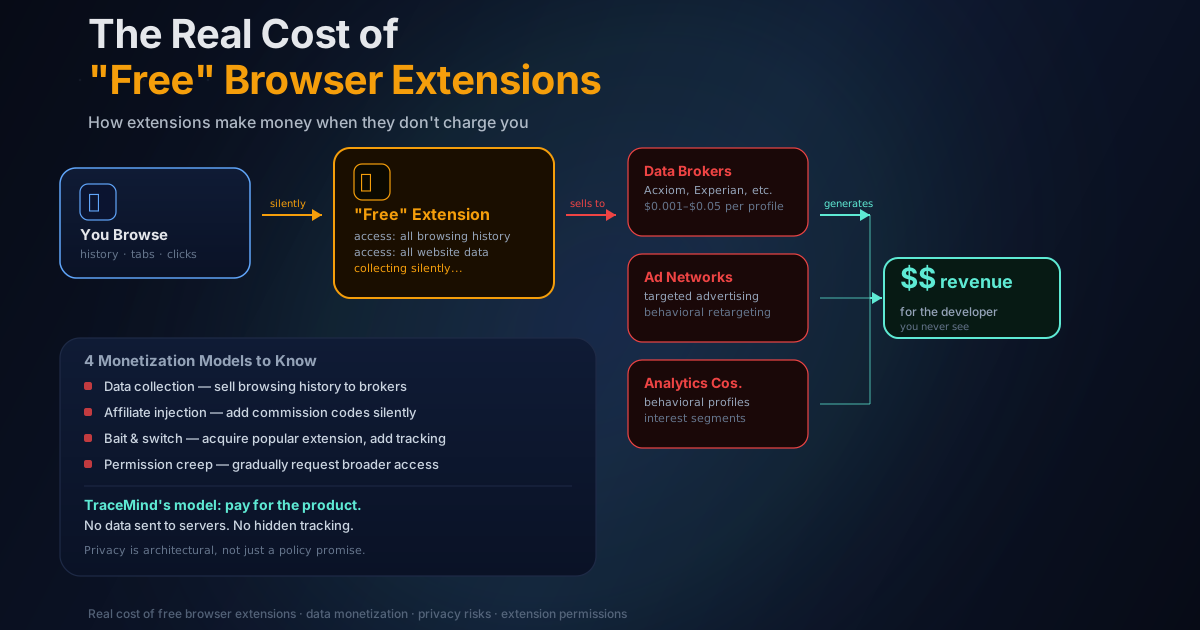
Free browser extensions often monetize through data collection, affiliate injection, or quiet ownership changes. Here's how to spot the business model before you install.
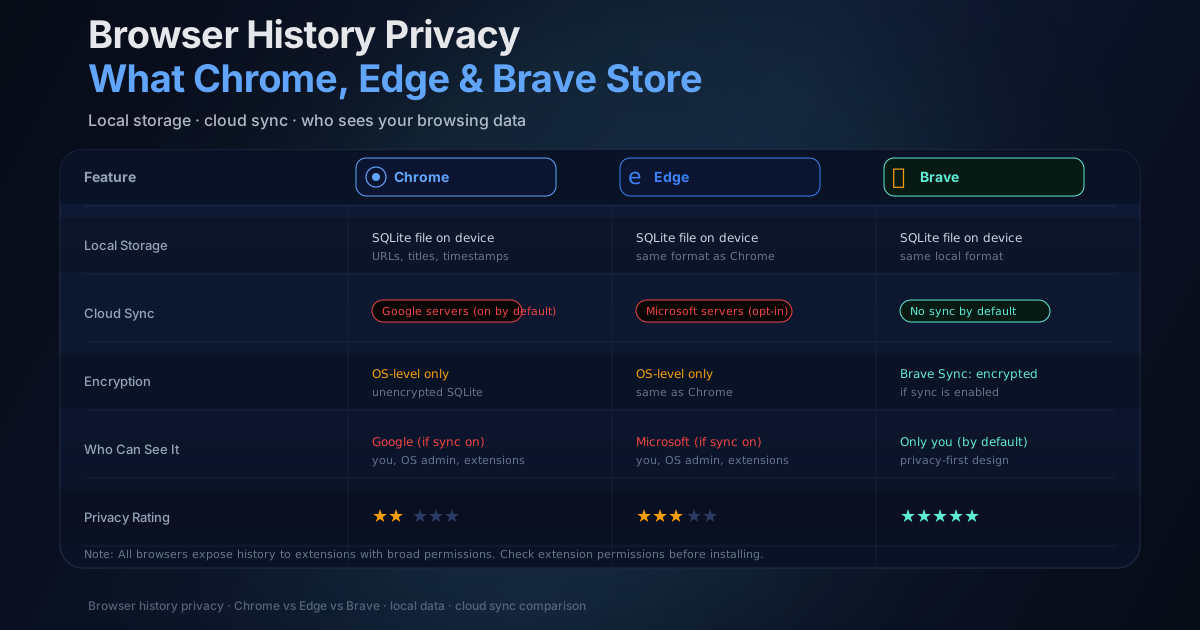
Chrome, Edge, and Brave store more about your browsing than most people realize — and in more places than just your local history file. Here's exactly what each browser keeps, where it goes, and what you can actually do about it.
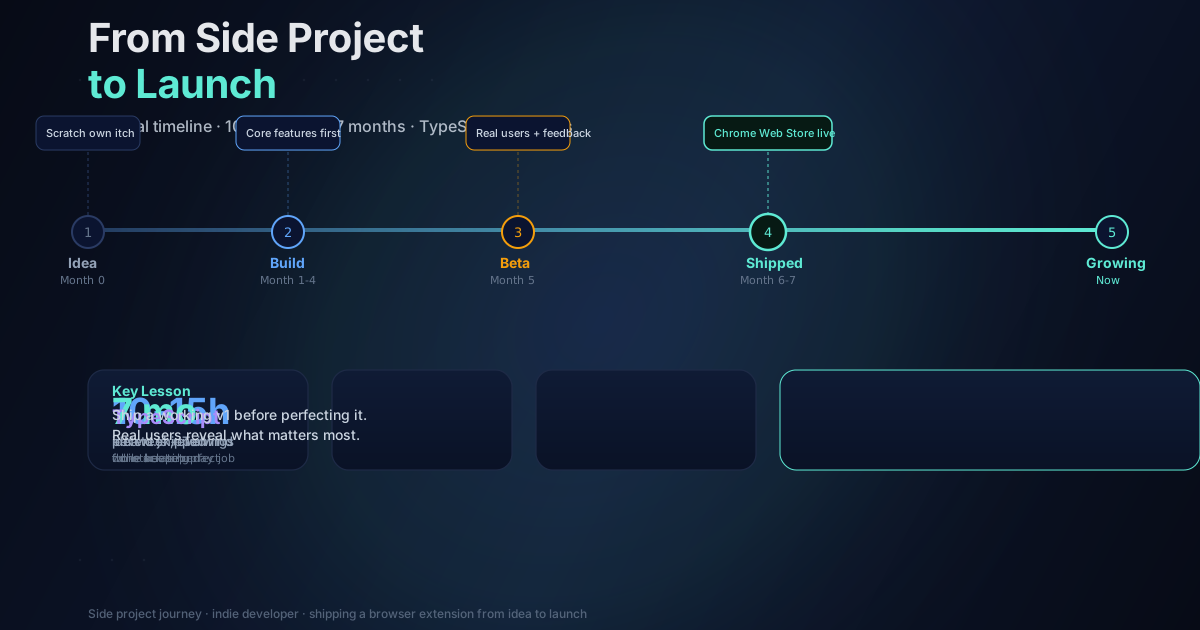
How I built a browser extension with on-device AI in evenings and weekends while managing a full-time client workload — the real constraints, decisions, and what I'd do differently.
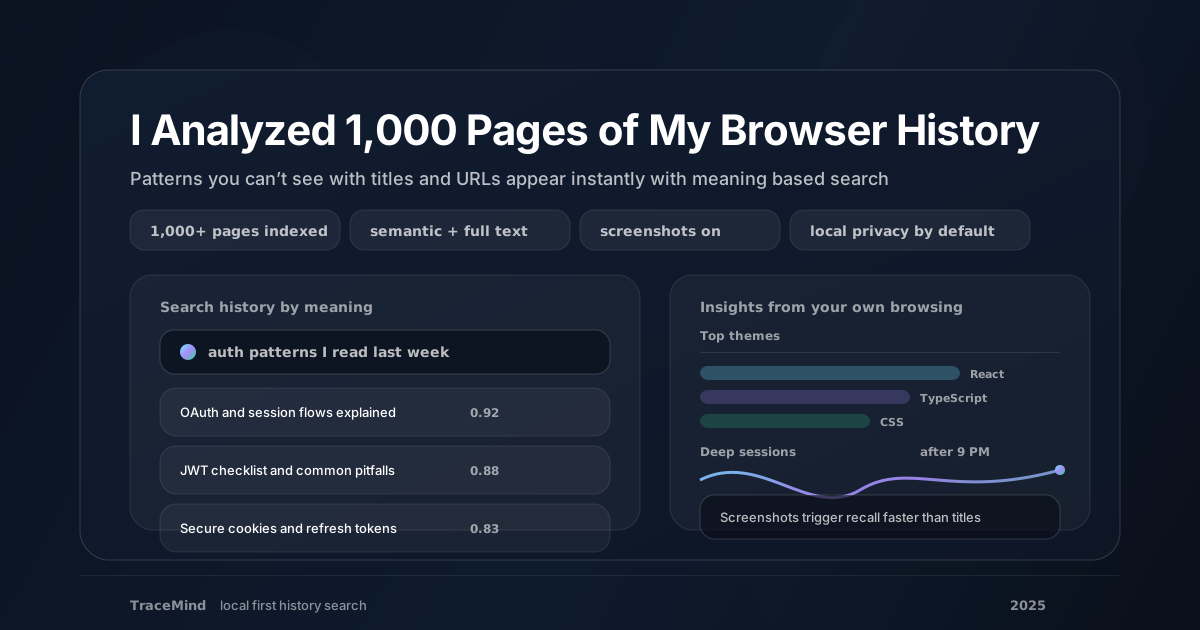
When you can search your history by meaning rather than keywords, patterns emerge fast. Here is what TraceMind revealed after indexing 1,000+ pages of real browsing.
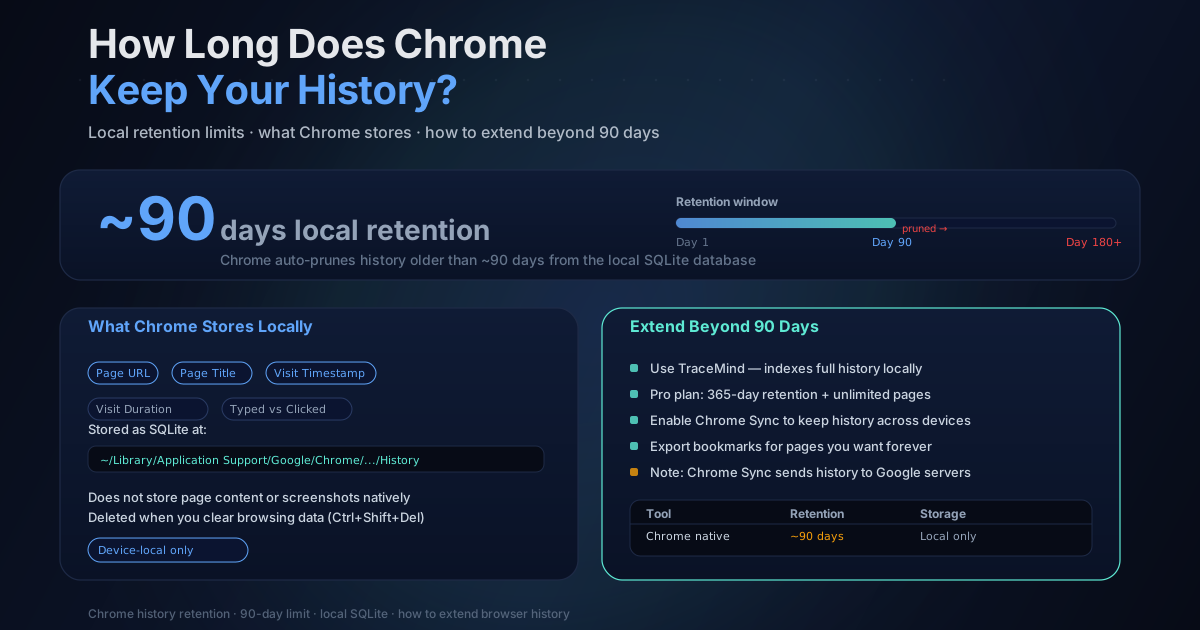
Chrome deletes local browsing history after roughly 90 days. Here's exactly how long your history lasts, why it disappears, and the best ways to extend retention beyond Chrome's built-in limits.
On-device AI keeps your browser history on your machine. Cloud-based tools upload it to servers. Here's what that difference means for your privacy.
A technical breakdown of how on-device AI works inside browser extensions: WebGPU, WASM, embedding models, and why running inference locally beats sending data to the cloud.
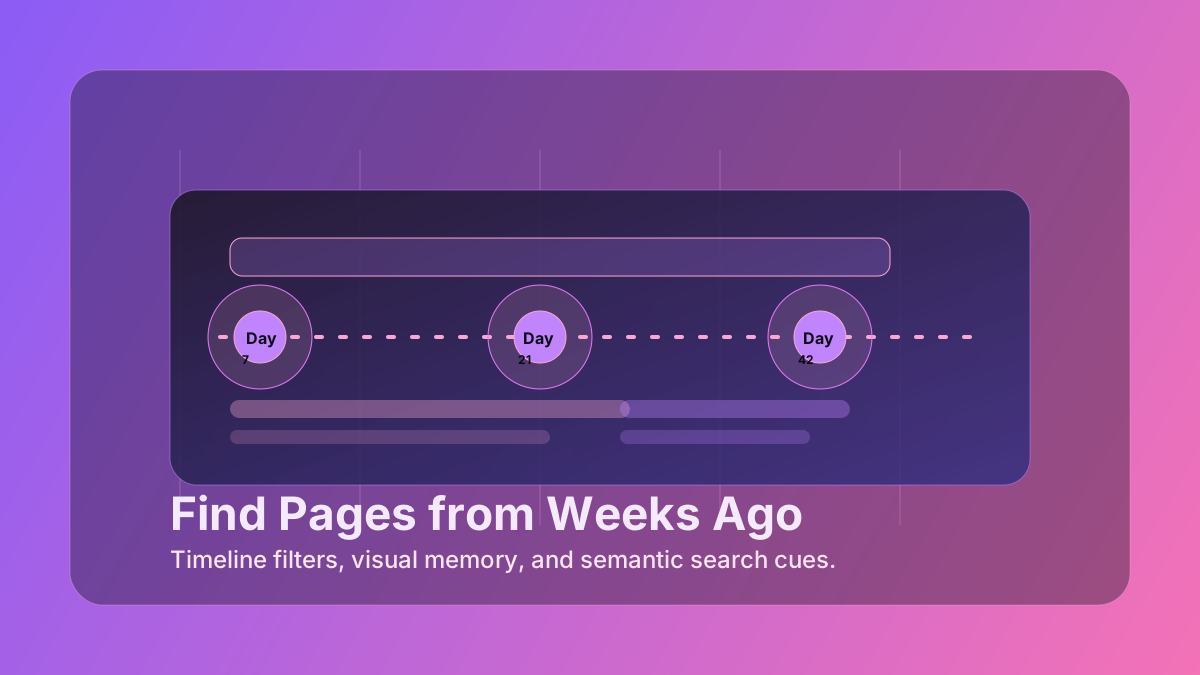
Struggling to find that article you read last week? Here are practical techniques for retrieving pages from your browser history using date filters, semantic AI search, screenshots, and domain filtering.
Chrome extensions can silently read your passwords, track every page you visit, and change behavior after updates. How to audit what you have installed and limit your exposure.
The TraceMind blog covers browser privacy, semantic search, local-first AI, and productivity for people who spend their days in a browser and want their history to actually be useful.